CBT Plugin for Wordpress
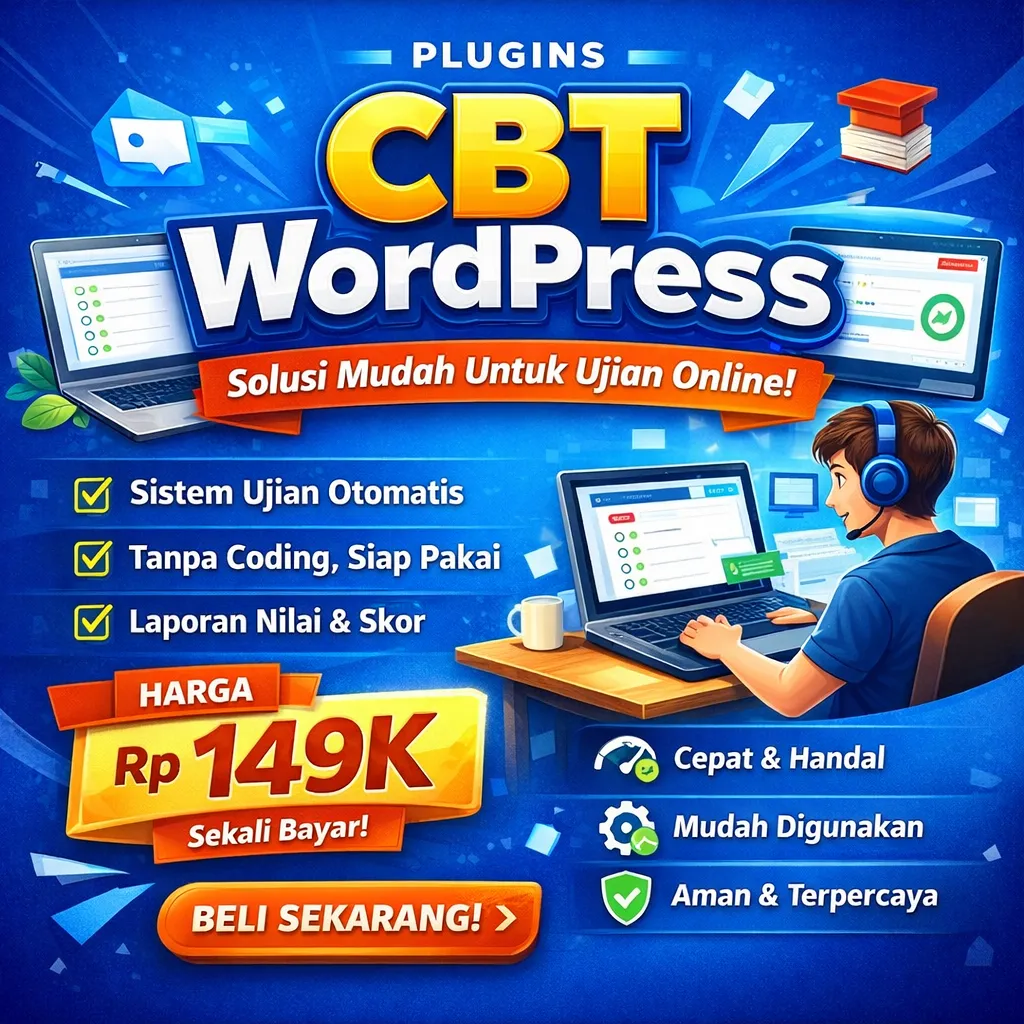
Wordpress (Digital)
$15.00
(This plugin is made in Indonesian)
Test Management Features
The test management system in this plugin is designed to meet the needs of businesses and institutions in Indonesia. Many configurations can be customized.
- Test Title & Test Description
- Save Participants' Answers (On/Off)
- Require Participant ID Number (On/Off)
- Retake Limit (On/Off)
- Timer Deadline (On/Off)
- Display Score to Participants (On/Off)
- Show Discussion Button (On/Off)
- Display Test History to Participants (On/Off)
- Display Question Number Navigation (On/Off)
- Show Answer Key Immediately / Learning Mode (On/Off)
- Shuffle Question Order (On/Off)
- Shuffle Answer Options (On/Off)
- Score Deduction for Incorrect Answers (On/Off)
- Test Password (On/Off)
- Test Open and Close Schedule (On/Off)
- Publication Status (Published or Draft)
- Import Questions from Excel (Text Questions Only)
- Export & Import Questions via JSON
Question Management Features
There are six commonly used question types available. These are sufficient to create engaging test questions.
Multiple Choice Question Type
- Question Content (Text Editor)
- Answer Options (Text Editor)
- Answer Key (Radio Input)
- Answer Options Can Be Added & Removed
- Explanation / Discussion (Text Editor)
- Score Weight
Multiple Response Question Type
- Question Content (Text Editor)
- Answer Options (Text Editor)
- Answer Key (Checklist Input)
- Answer Options Can Be Added & Removed
- Scoring Method: All Correct / Partial Score
- Explanation / Discussion (Text Editor)
- Score Weight
Short Answer Question Type
- Question Content (Text Editor)
- Answer Key (Text Input)
- Case Sensitive (On/Off)
- Explanation / Discussion (Text Editor)
- Score Weight
Matrix Question Type
- Question Content (Text Editor)
- Question and Answer Columns/Rows
- Answer Key (Radio Input)
- Answer Options Can Be Added & Removed
- Scoring Method: All Correct / Partial Score
- Explanation / Discussion (Text Editor)
- Score Weight
Weighted Multiple Choice Question Type
- Question Content (Text Editor)
- Answer Options (Text Editor)
- Points per Answer Option
- Answer Options Can Be Added & Removed
- Explanation / Discussion (Text Editor)
Matching Question Type
- Question Content (Text Editor)
- Question and Answer Columns/Rows
- Answer Key (Select Input)
- Answer Options Can Be Added & Removed
- Scoring Method: All Correct / Partial Score
- Explanation / Discussion (Text Editor)
- Score Weight
Text Editor Features
The text editor used in this system includes many advanced features.
- Built on the Summernote WYSIWYG system
- Supports direct image copy–paste (Ctrl+C + Ctrl+V)
- Supports math equations using LaTeX code
- Supports inserting audio and video uploaded to WordPress media
Test Result Management Features
- Participant List
- Score Information and Completion Status
- Download Results in CSV Format
- Delete Test Records
- Send Result Information via WhatsApp (If Enabled)
- WhatsApp Notifications: Onesender & Starsender
Test Page Features
With many management features available, the test interface also provides rich and advanced functionality.
Lobby Page
- Displays test title, description, number of questions, duration, opening schedule, closing schedule, participant ID input, password input, and start test button.
- Displays participant test history: completion time, score, and discussion button.
- The visibility of this information depends on the test settings.
Test Execution Page
- Question navigation: question numbers, previous, next, mark for review, and finish test.
- Timer: automatically submits the test when time runs out.
- Question number information and progress bar.
- Save results setting: if the page reloads, answers are preserved and the test continues.
- Do not save results setting: if the page reloads, the test restarts.
- Learning mode setting: displays a check answer button.
- Completion page: depending on test settings, it may display score and discussion buttons.
Shortcode System
This plugin is shortcode-based. Two shortcodes are provided: test shortcode and ranking shortcode. Both shortcodes can be placed on any page of your WordPress website, providing very high flexibility. They can be used on membership pages, LMS pages, posts, or static pages.
For example, if you want to sell tests, you can integrate this plugin with WooCommerce and WooCommerce Visibility Control. This allows only buyers of specific product IDs to access the test.
It is also recommended to use Tutor LMS if you want to create both free and paid CBT (Computer-Based Test) systems.
Buyer Reviews
Luar biasa plugin ini, bisa bikin web CBT tanpa coding pake Wordpress. Admin nya juga sangat fast response. Worth it.